Data Desktop | Case Study
The problem
I've always thought that it was weird that corporations were able to make money off of user data. All the freemium software collecting data to sell ads? Great for the economy, however it created a thought for me about what would it be like if the user were able to collect their own data and sell that data themselves. There have been multiple projects to do this, and unfortunately, I don't trust any of them, which is also the problem with the solution I came up with, so I made the scope of the project smaller and turned it into: how can I collect my own personal data so that I can take action on that data for the benefit of myself.
Building the solution
Technologies used: React, JS, HTML, shadcn, Go, Wails
Claude 3.5 Sonnet had initially released along with Claude Code and I wanted to get hands on with seeing how I could use LLMs to create coding projects since this was the first model to do a basic job coding and helping users code less of the same thing.
The decisions that I made for the architecture were the following:
- React for the frontend
- Go for the backend
- Wails for the desktop packaging to be able to use the desktop app on Windows, MacOS, and Linux
The overall idea is that the desktop app would have many different applications inside it so the user could enable/disable specific apps they were using at any point in time.
For the frontend, it was easy to create a way to separate applications visually, and creating reusable components is something that I was experienced with, so once I was able to create a few reusable patterns, I was able to get Claude 3.5 Sonnet to help me with a lot of the rest. Of course, the design capabilities weren't that great so I had a lot of hand in making the user experience and user interface the way that would make me use the application on a daily basis with no friction.
For the backend, I wondered if it was possible to create a way where the user wouldn't need to make migrations on the database, so the goal was to try to make as flexible of a way for a user to create different tables in the database via the desktop app. This resulted in a database with 2 tables: a table that declared all the different types of "columns" that an application "database table" could have, and the other table where the data would live with all the "columns" declared by the first table along with the data that it would be saved in. In terms of performance, the database lookups would spend ~1-2 seconds loading due to it having to be "filtered" out, but with how much data I ended up storing (not that much), it never became an issue.
And so, with these architectural decisions made, I started creating application that I would use on a daily basis.
The result
Along with Claude 3.5 Sonnet and eventually Claude 4 Sonnet, I was able to create the desktop application that had multiple different individual applications itself:
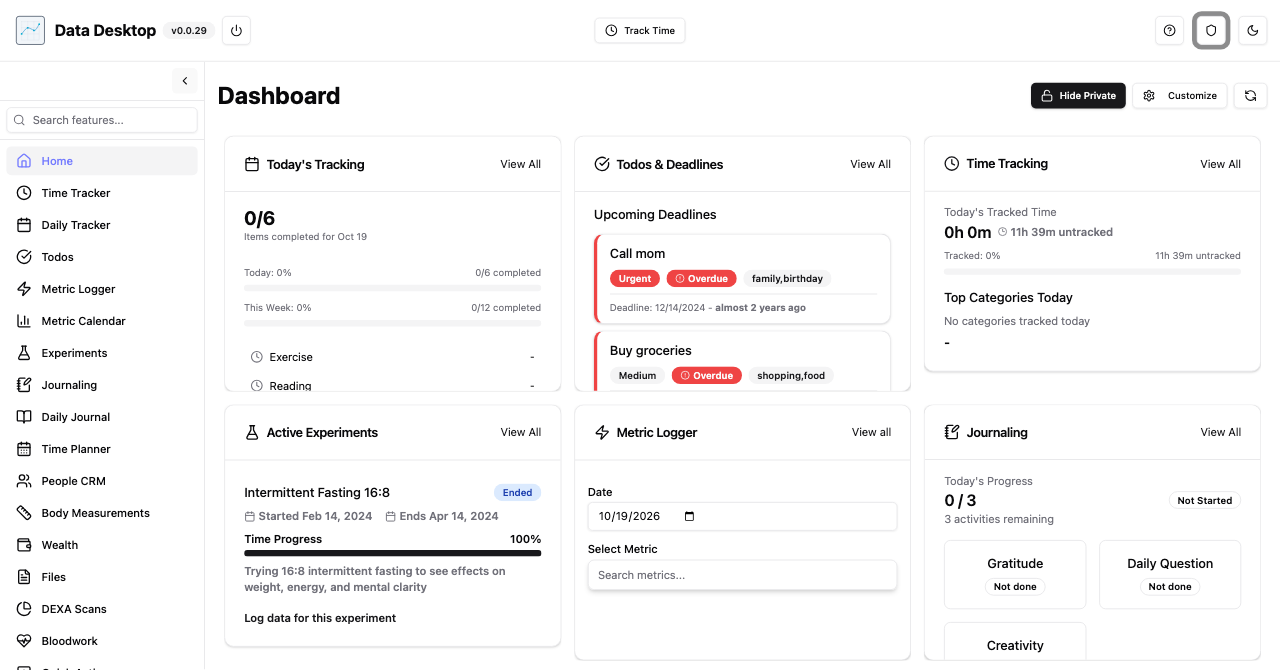
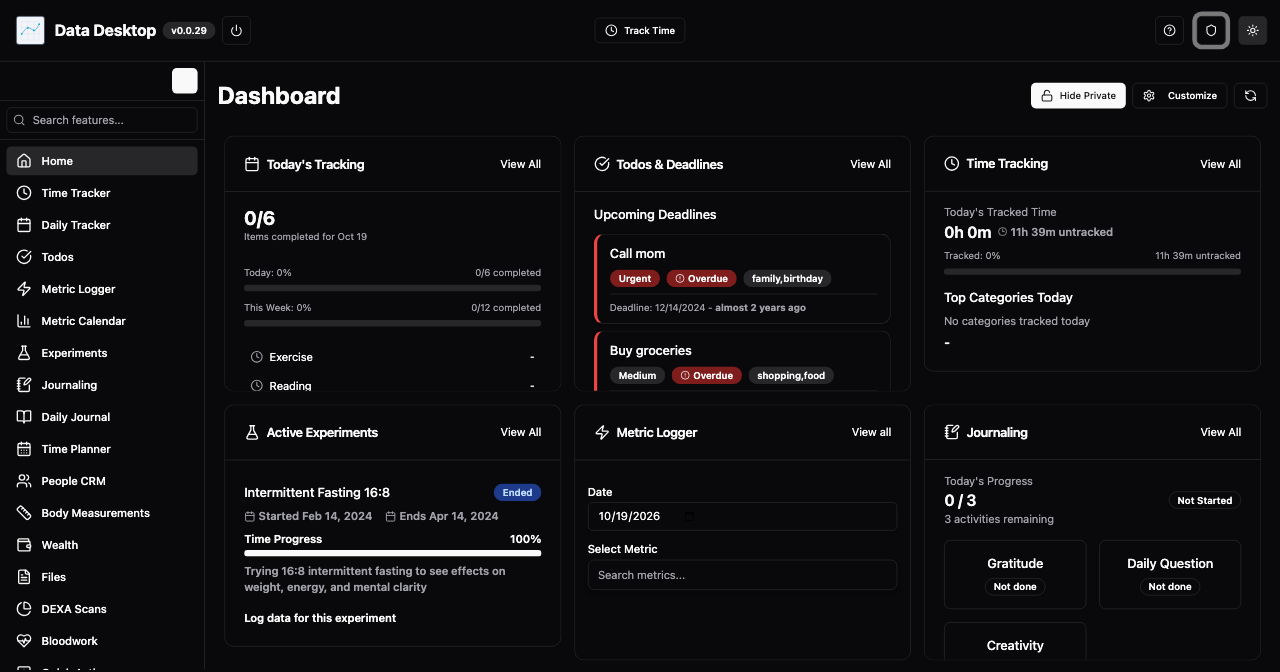
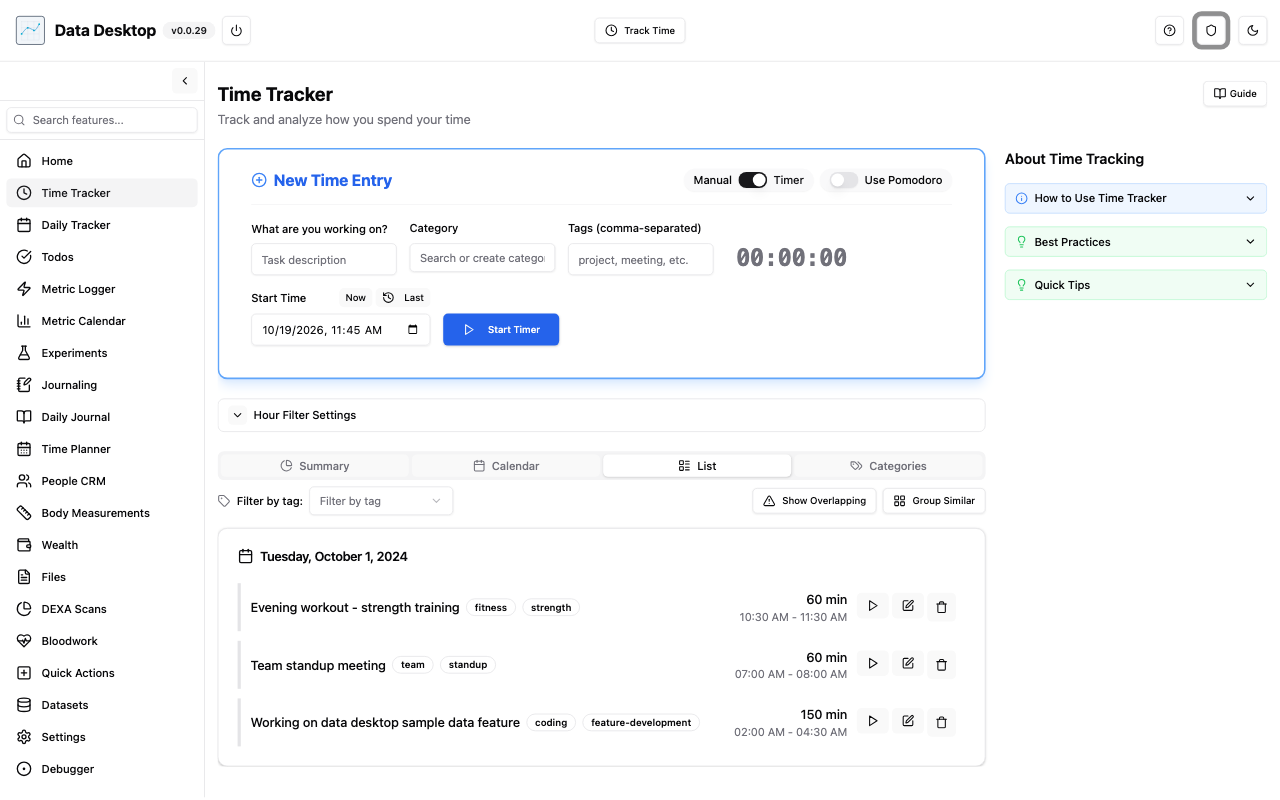
Time Tracker
Allows user to track time, similar to the company Toggl Track.
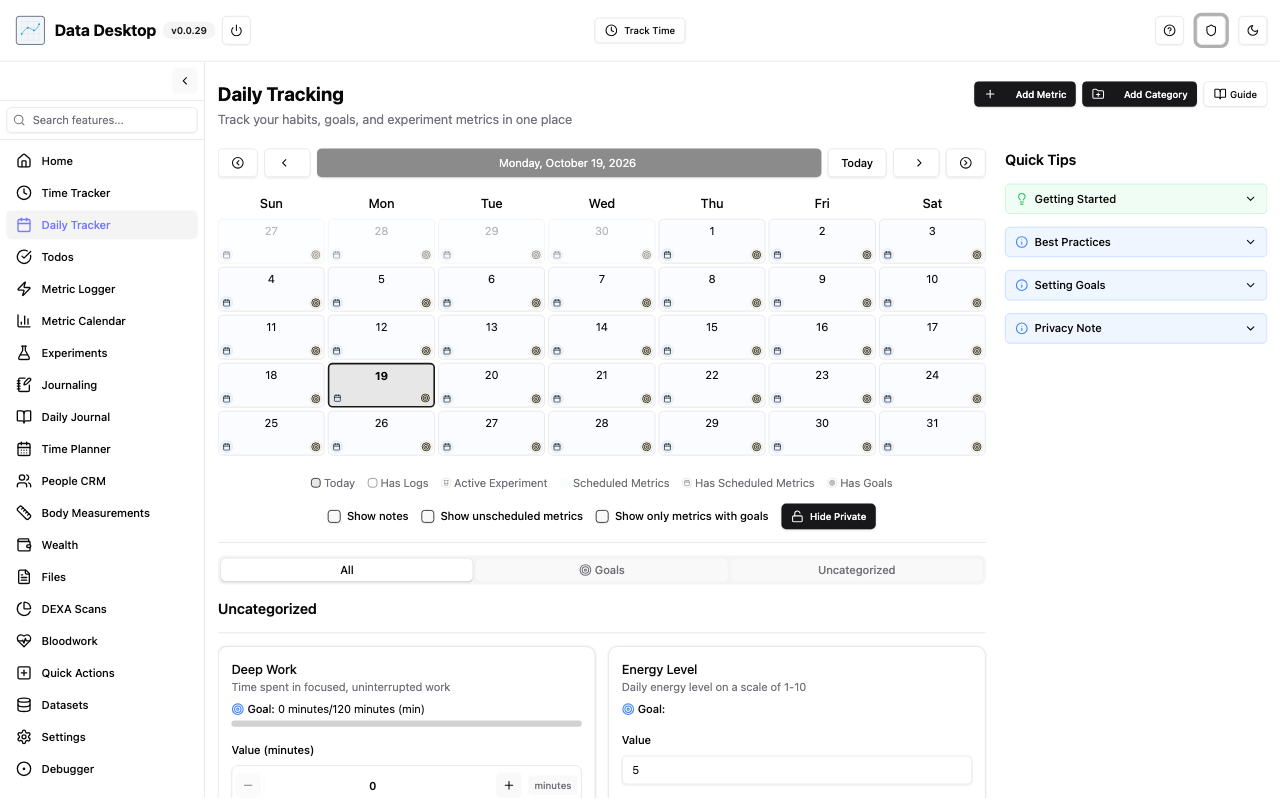
Daily Tracker
Allows user to log whether or not the activity was done along with more information, similar to Habitica "dailies".
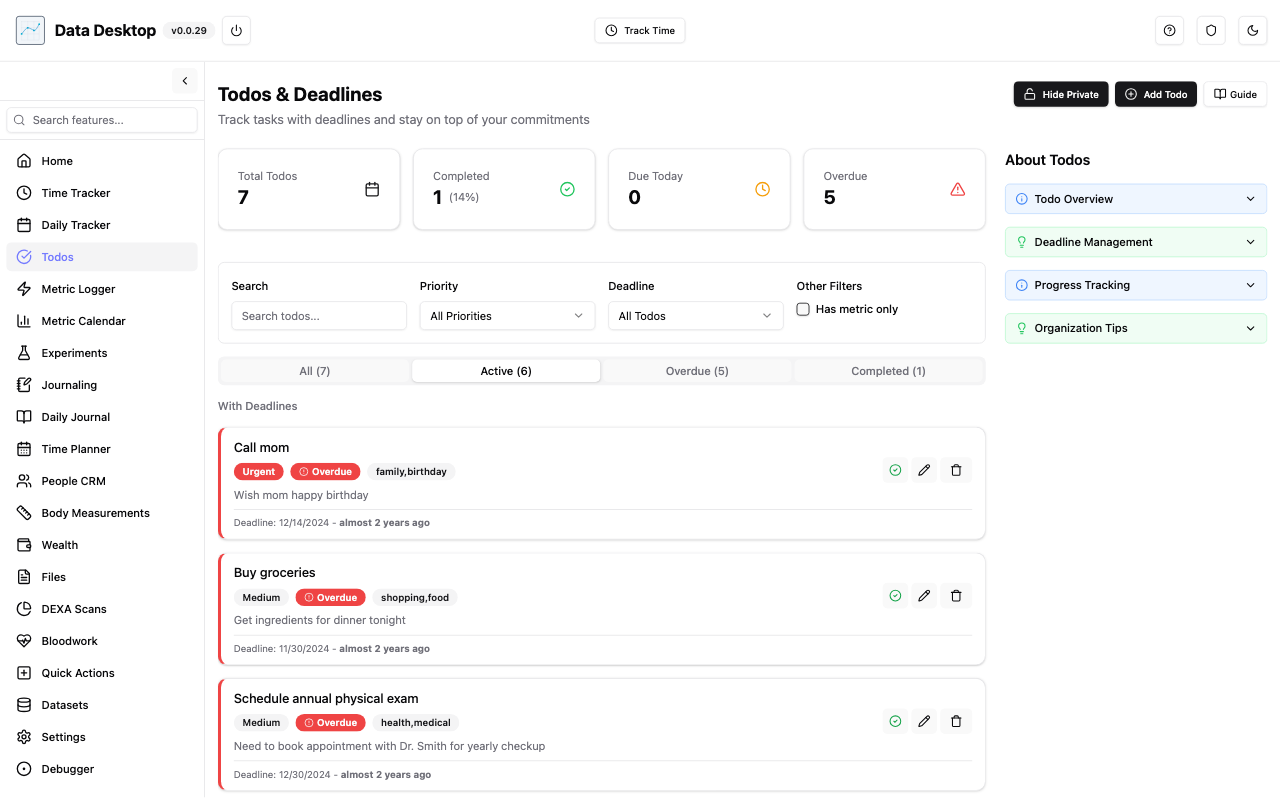
Todos
Allows user to have a todo list with description, categorization, and deadlines.
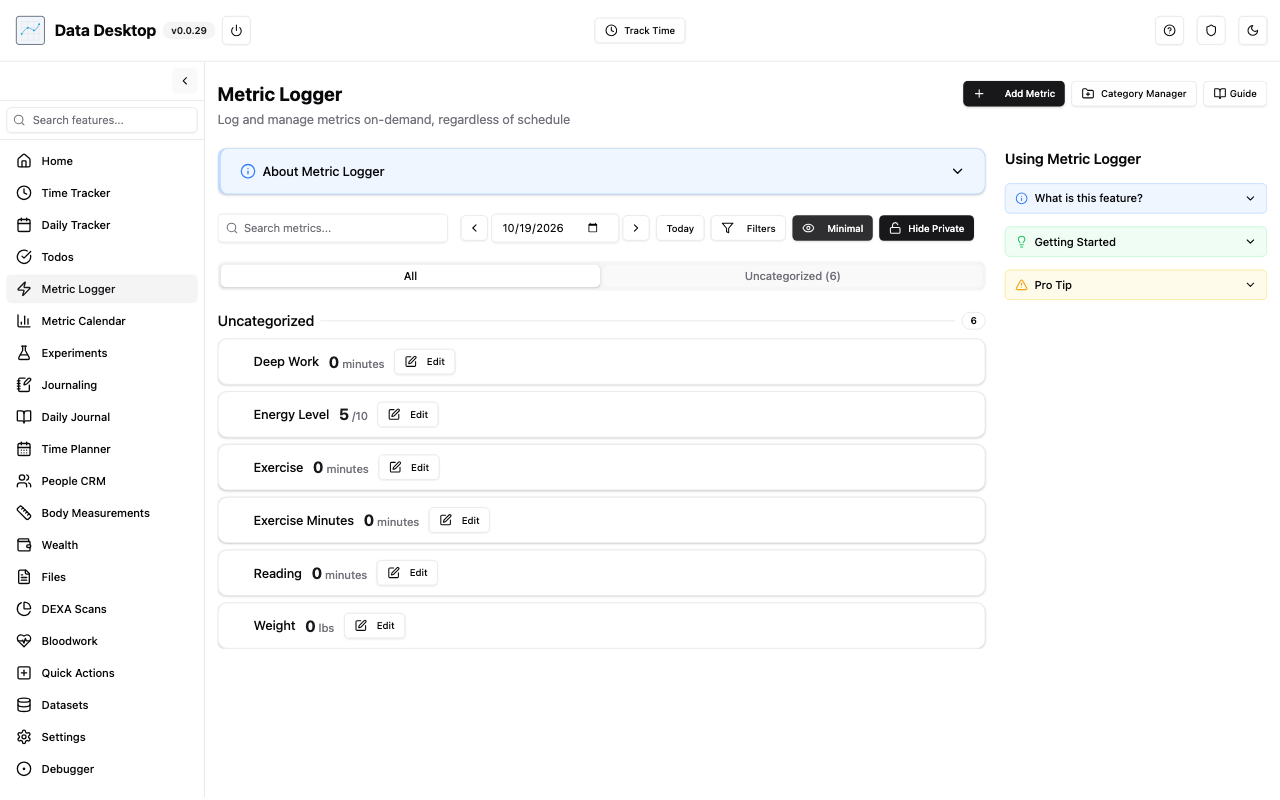
Metric Logger
Allows user to create metrics to log and track, connected with Daily Tracker and Metric Calendar.
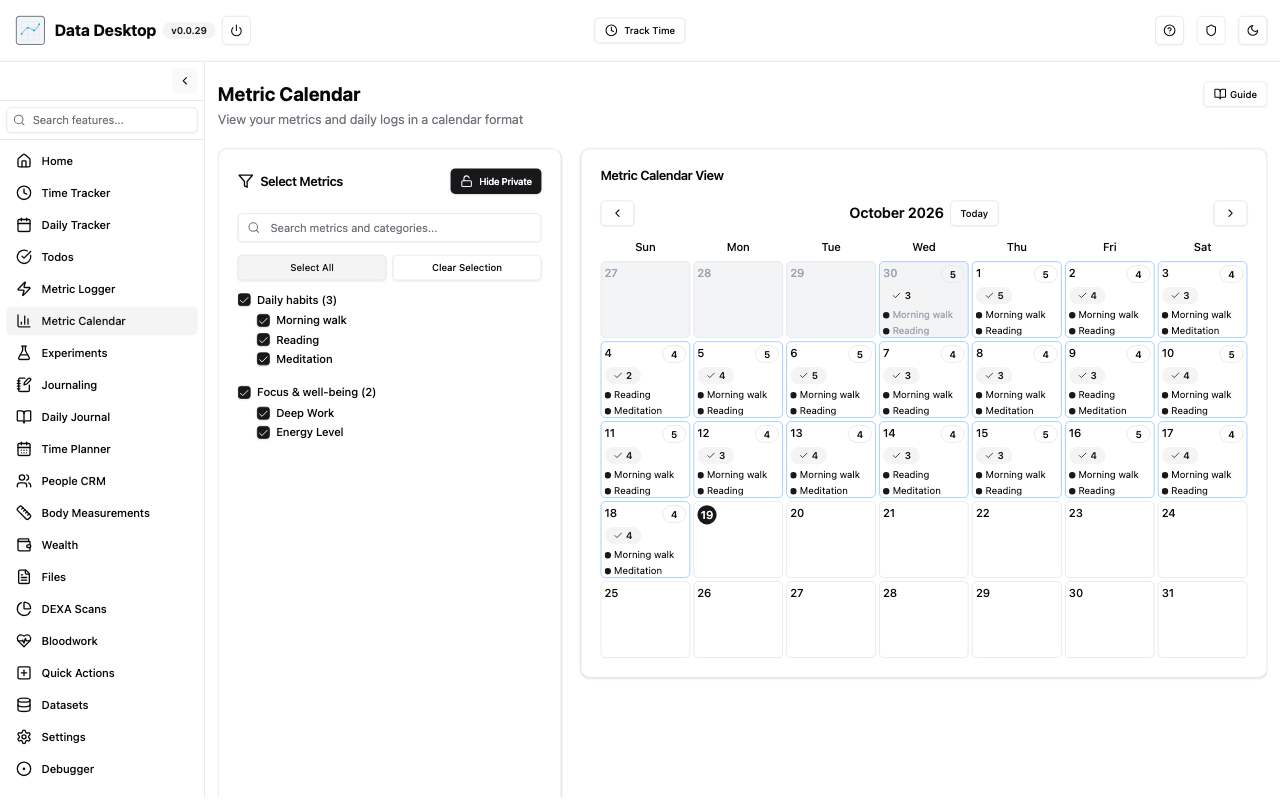
Metric Calendar
Allows user to view metrics tracked on a calendar specific view. Used for analytics.
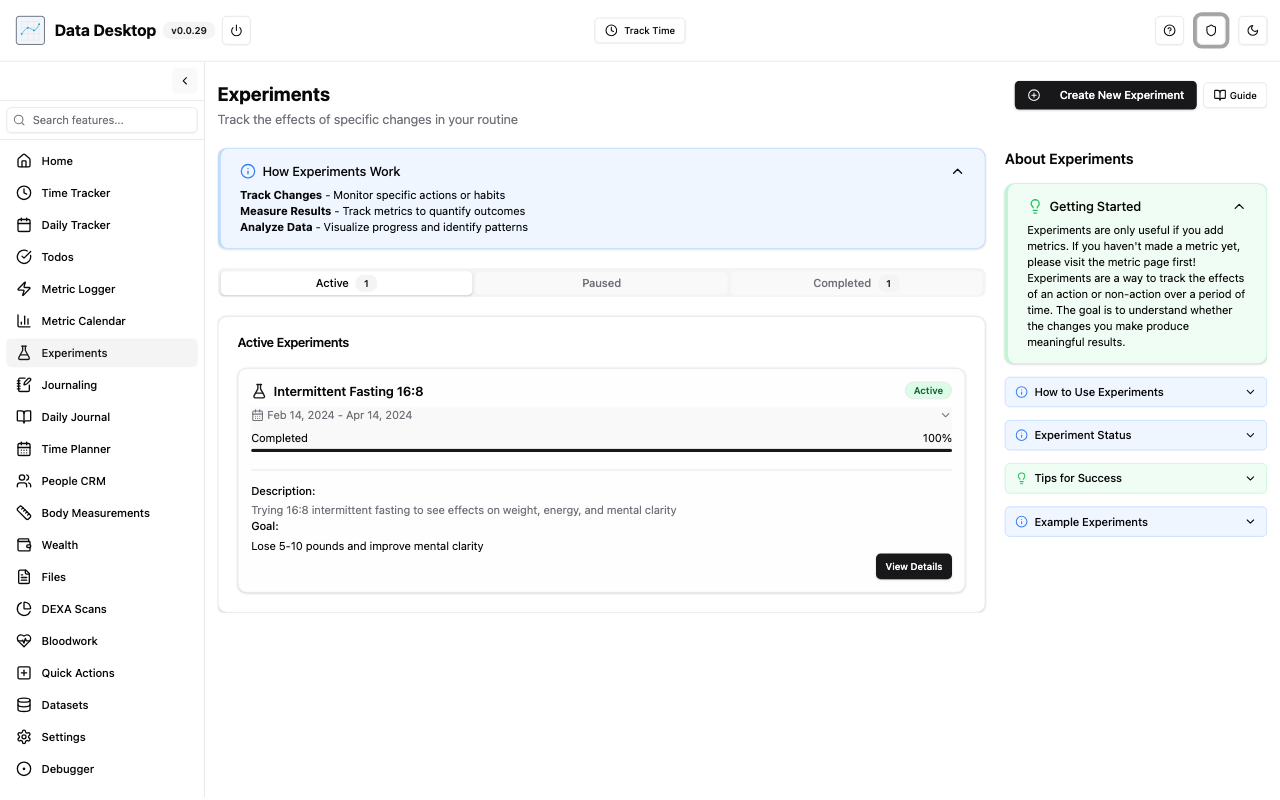
Experiments
Allows a user to create an experiment and connect metrics to track progress, resulting in whether or not the metrics had any effect for the experiment done.
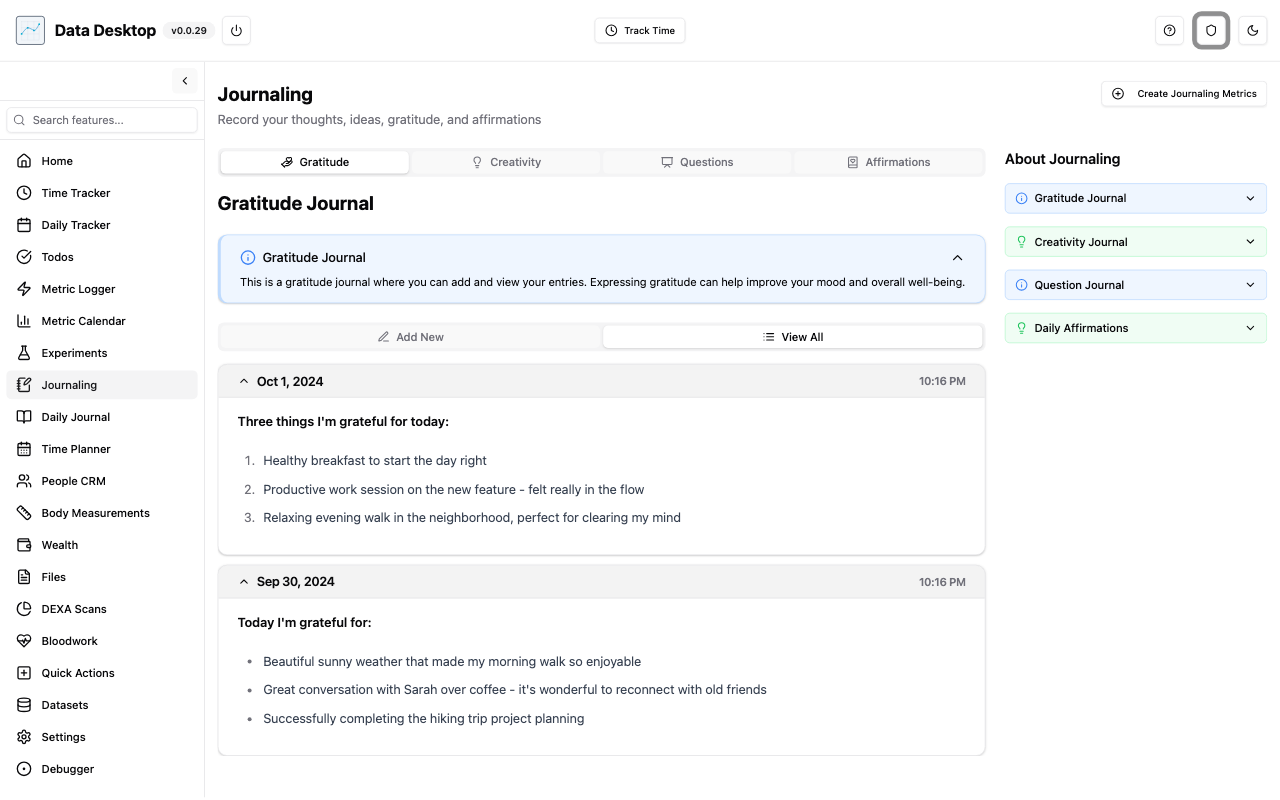
Journaling
Allows user to have a gratitude journal to write, creativity journal to track progress, questions to see how the user changes their answer over time, and affirmations for the user to read.
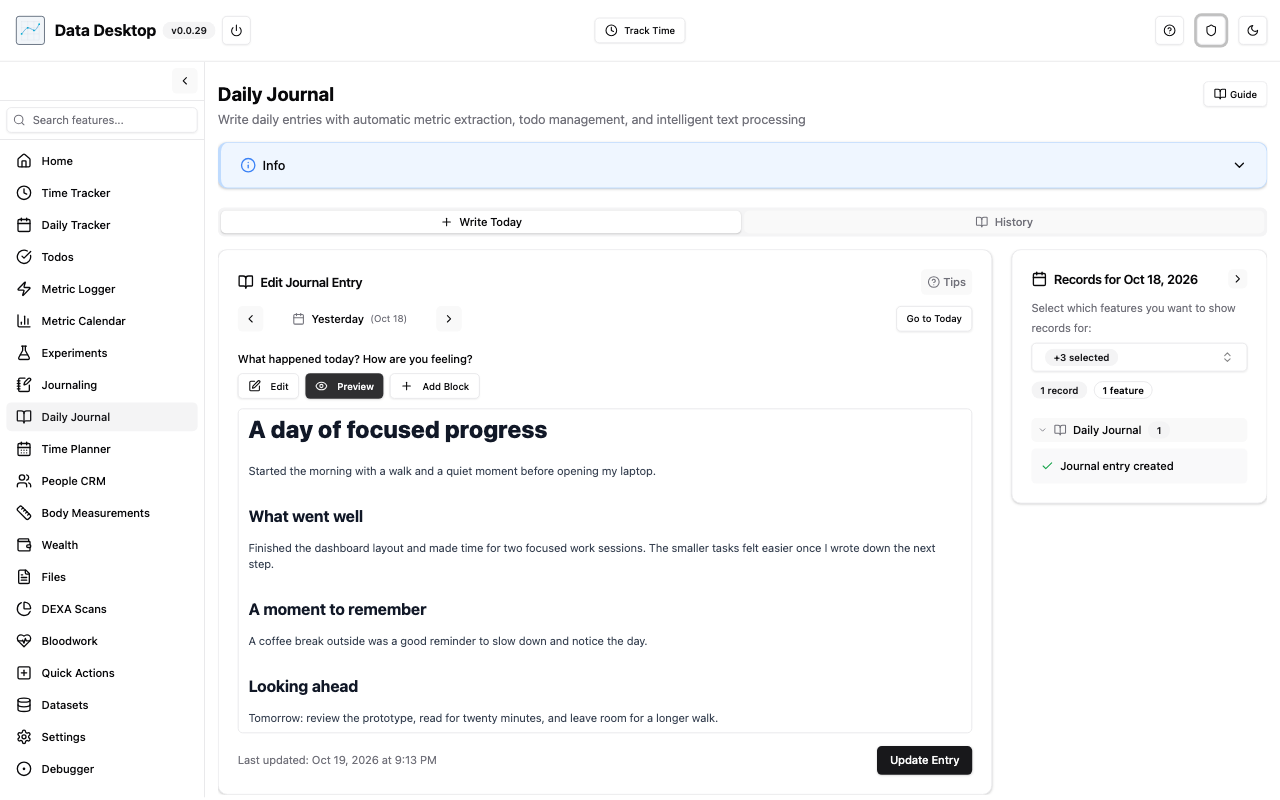
Daily Journal
Allows user to write down whatever they want for the day. Tried connecting it with Metric Logger and Todos to be able to automatically track those items when the user just goes through their daily writing, but results were not as good as expected.
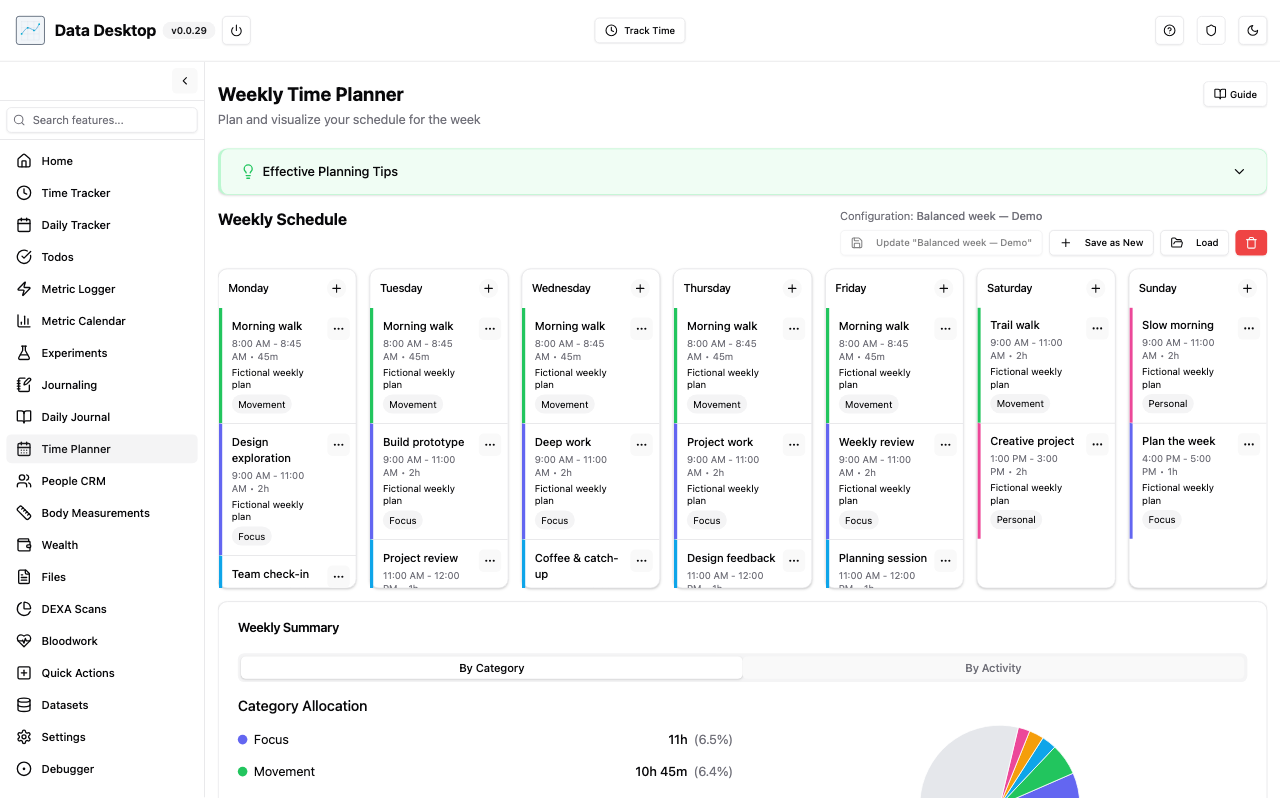
Time Planner
Allows user to figure out how they want to plan and visualize for the week.
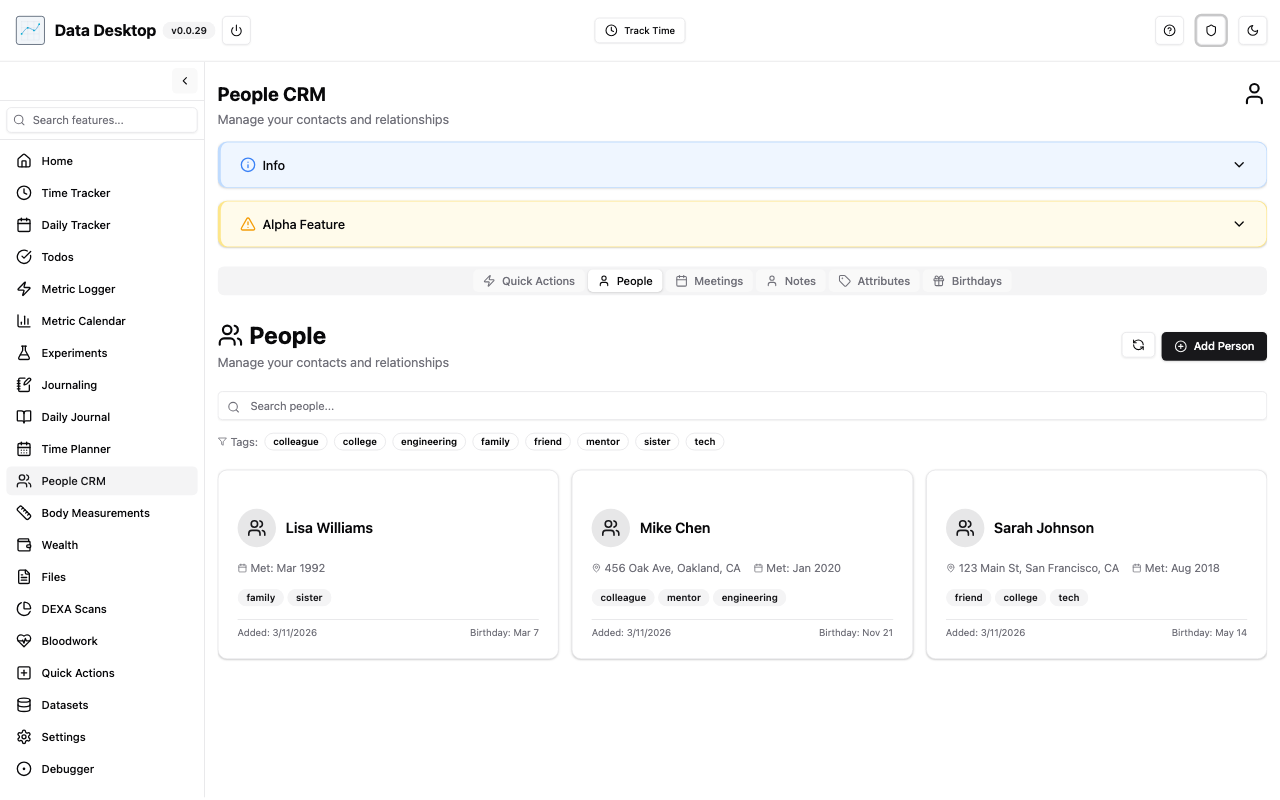
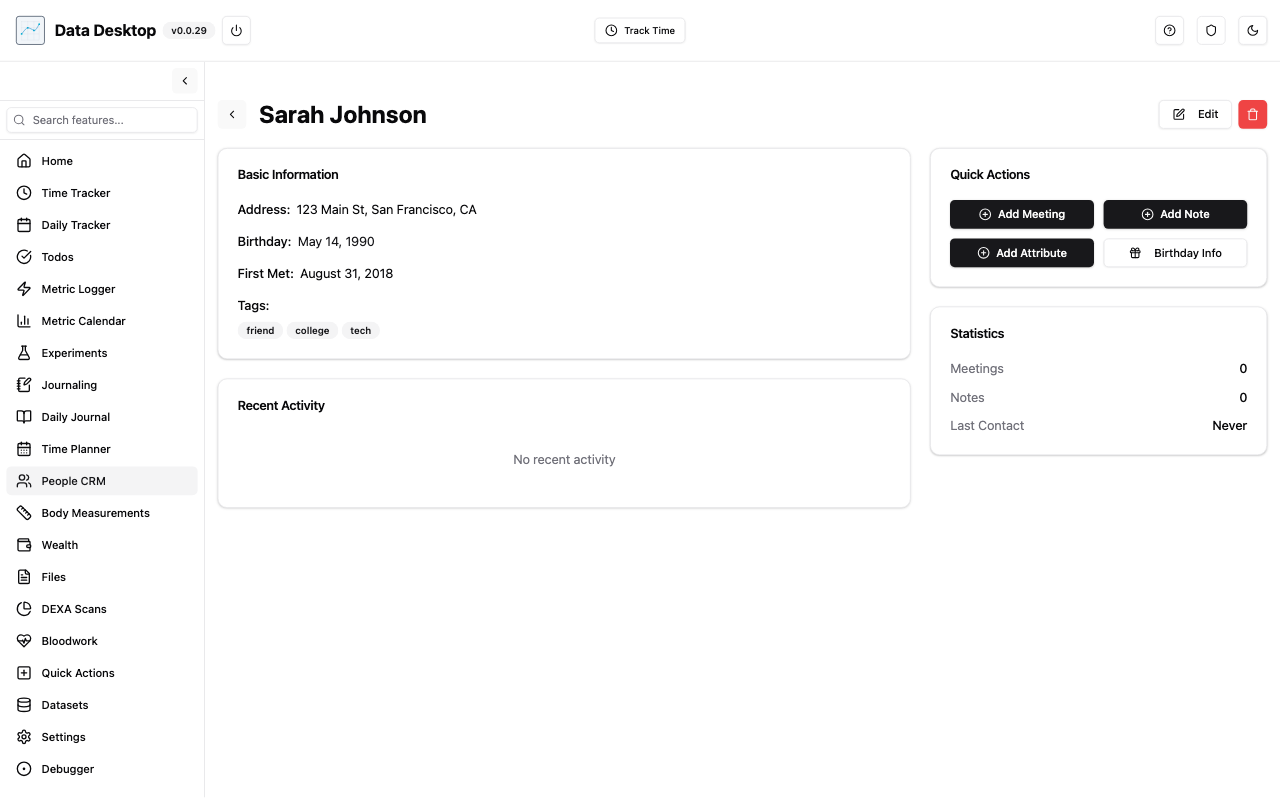
People CRM
Allows user to track activities for people in their life. Kind of like a sales CRM, but for personal relationships.
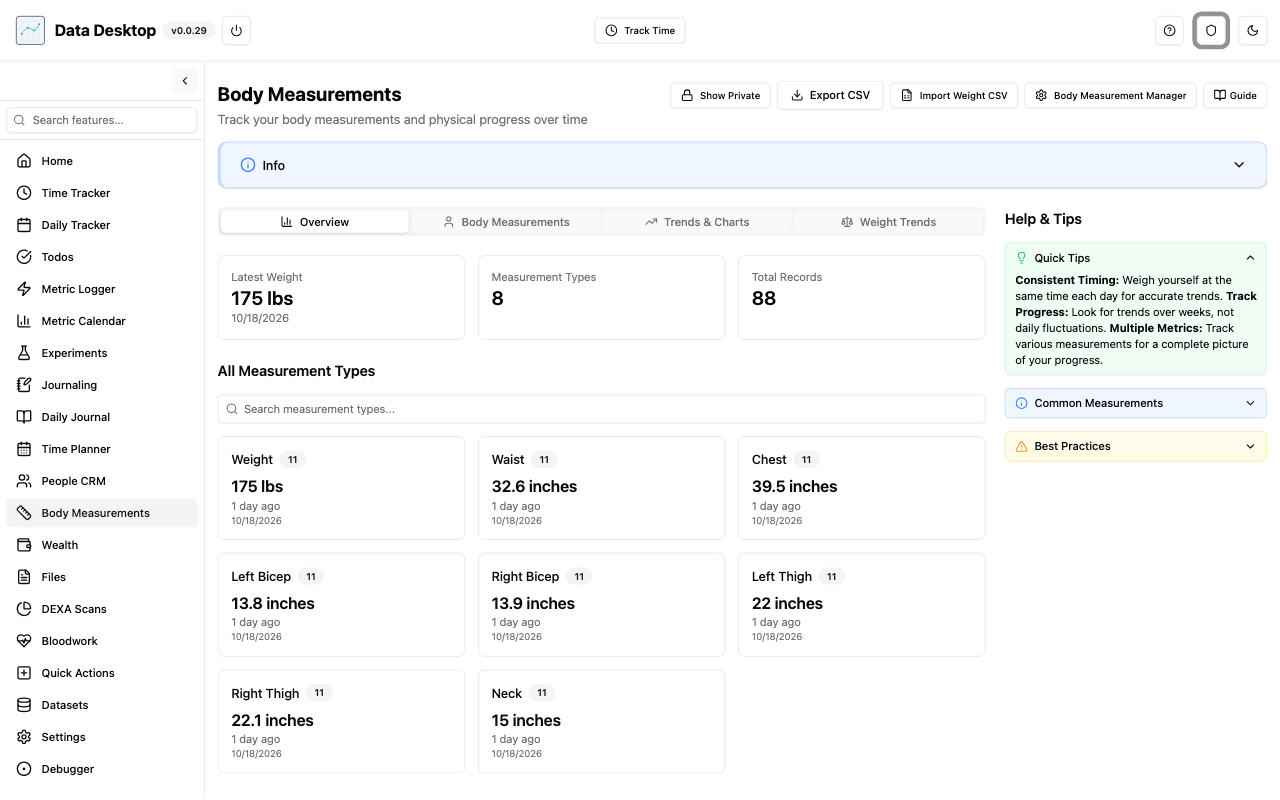
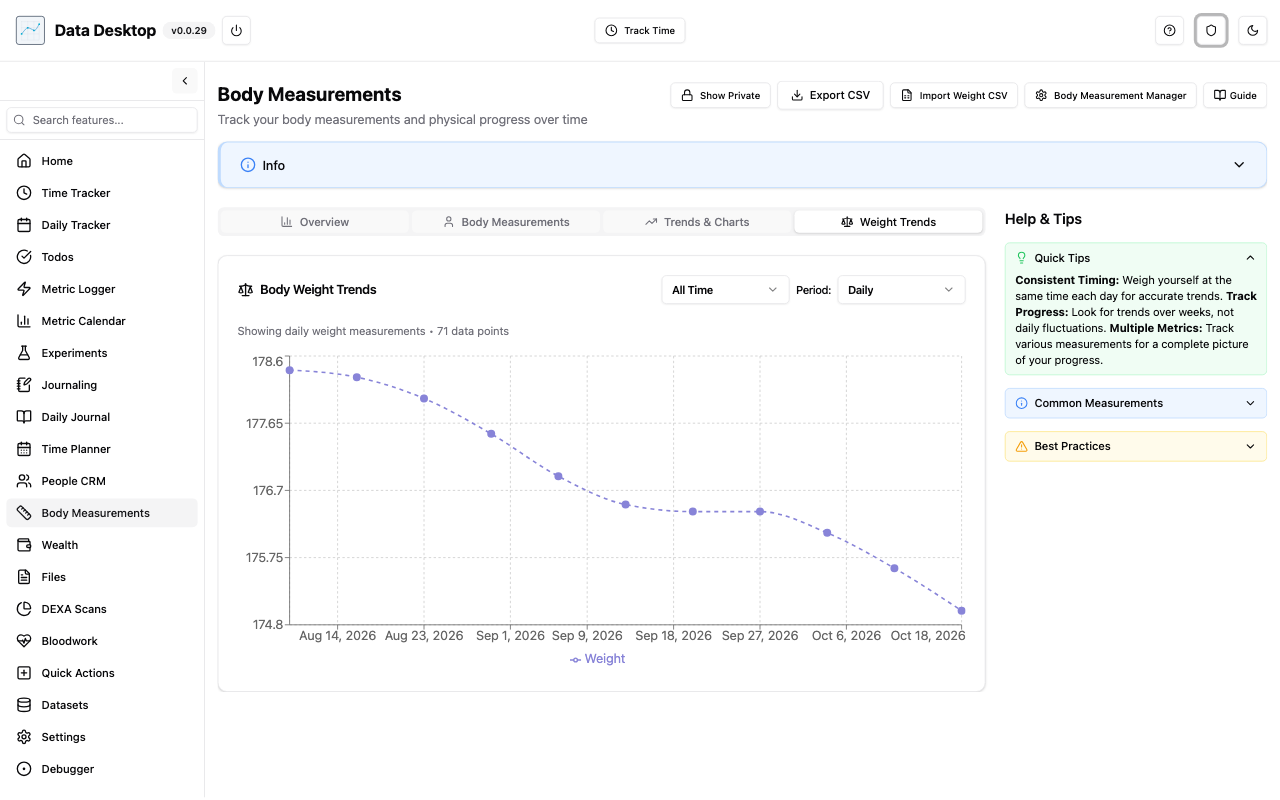
Body Measurements
Allows the user to track specific body measurements over time. Includes all the weight data that I've tracked over the years.
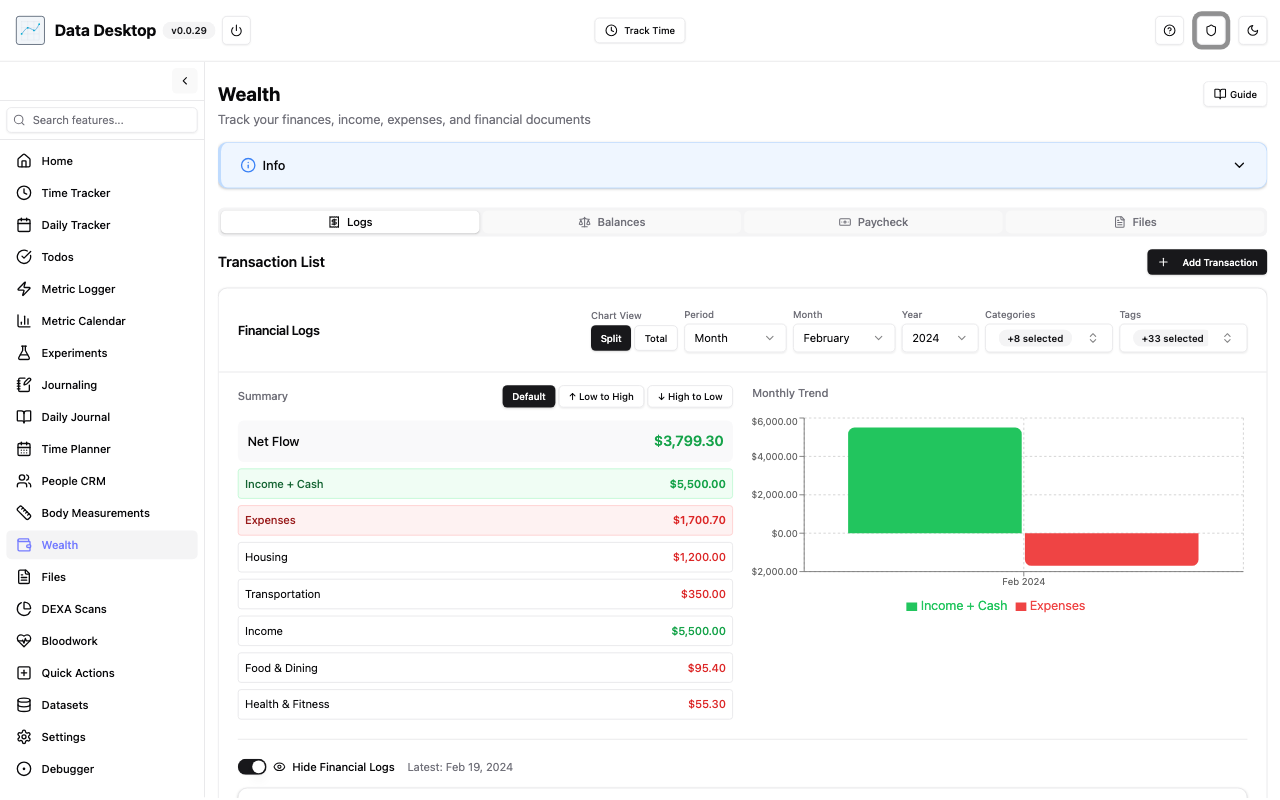
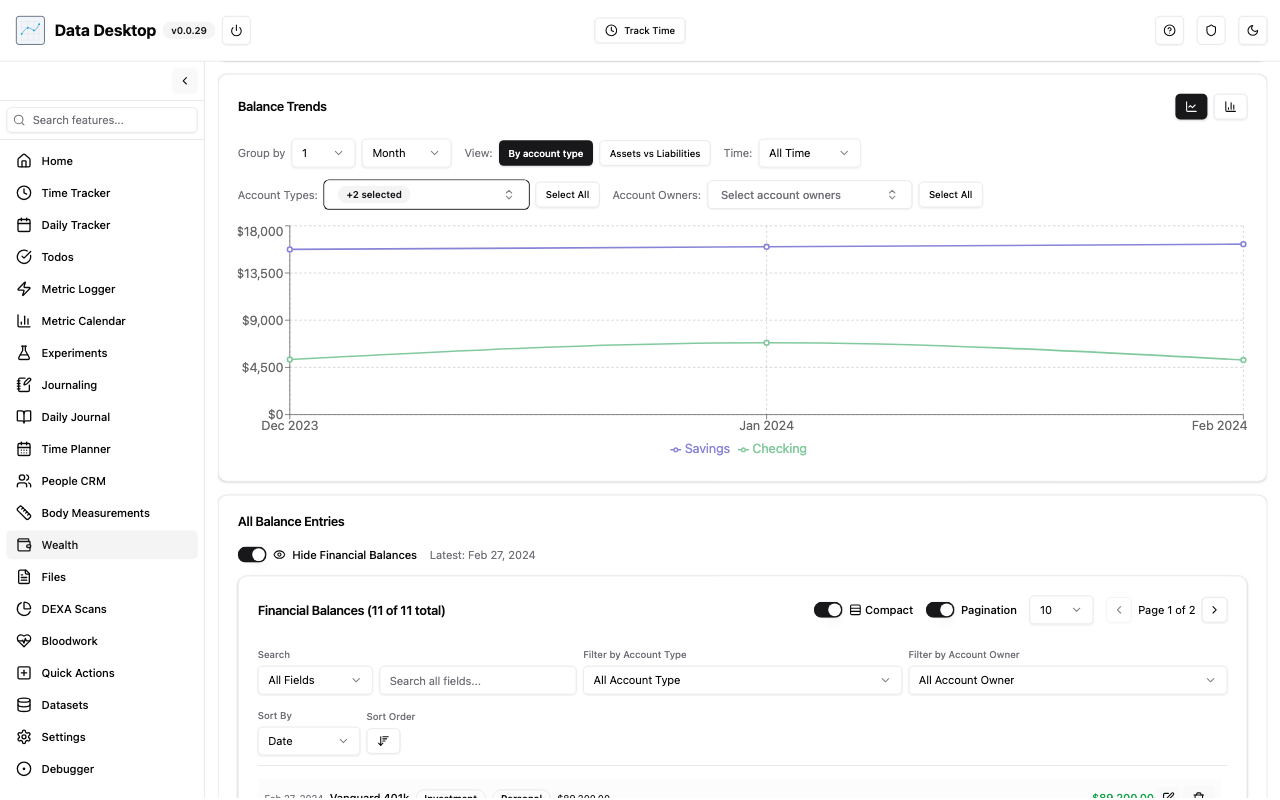
Wealth
Allows user to manually track their financial activity, for things they buy and also their net worth over time.
Files
Allows user to save files specific to their financial and health areas.
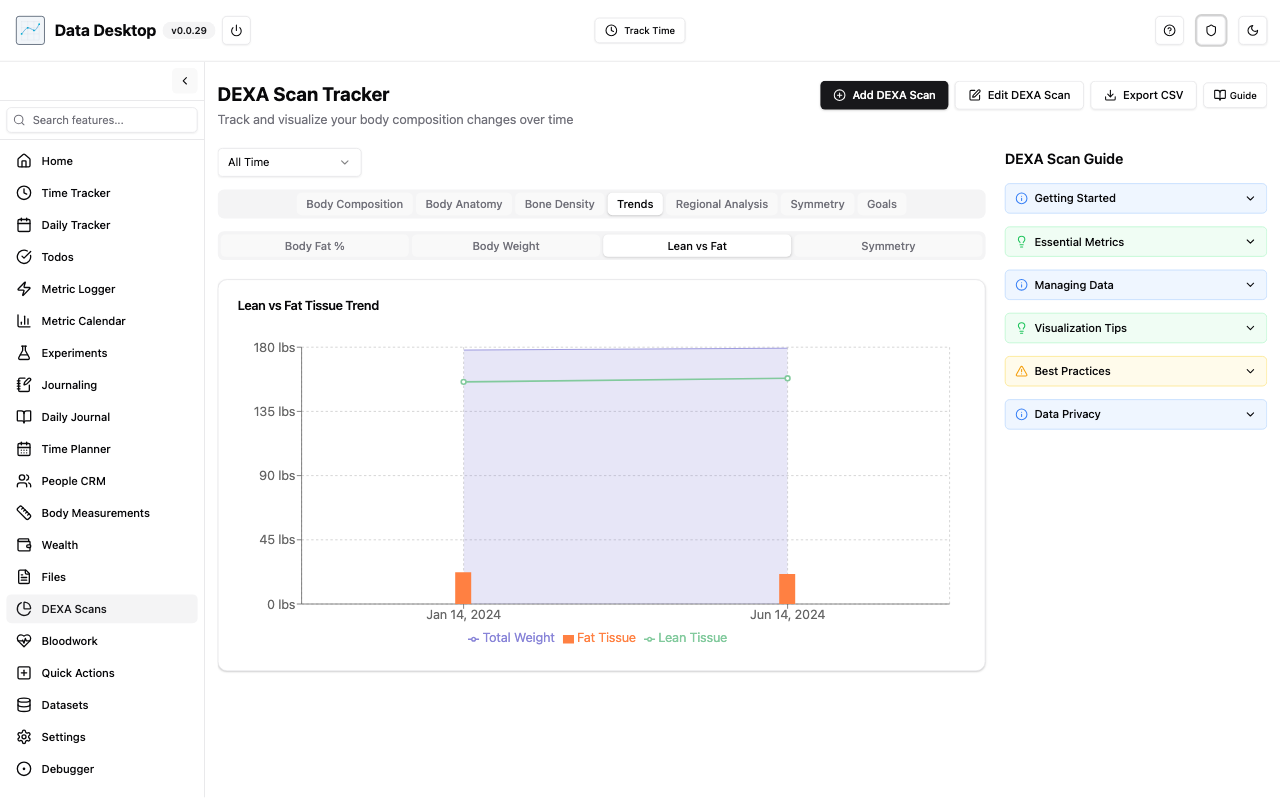
DEXA Scans
Allows user to save their DEXA scan output into their own application and create their own visualizations.
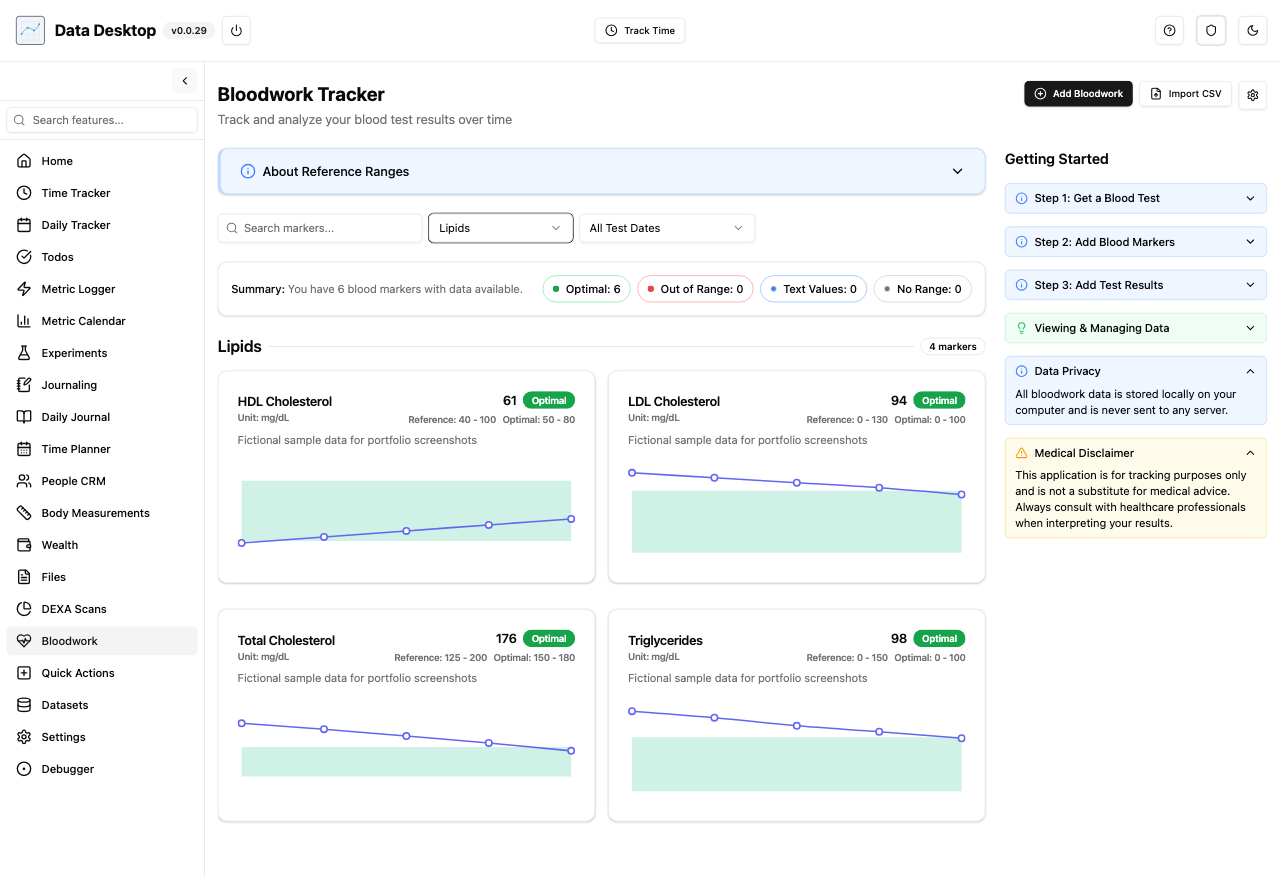
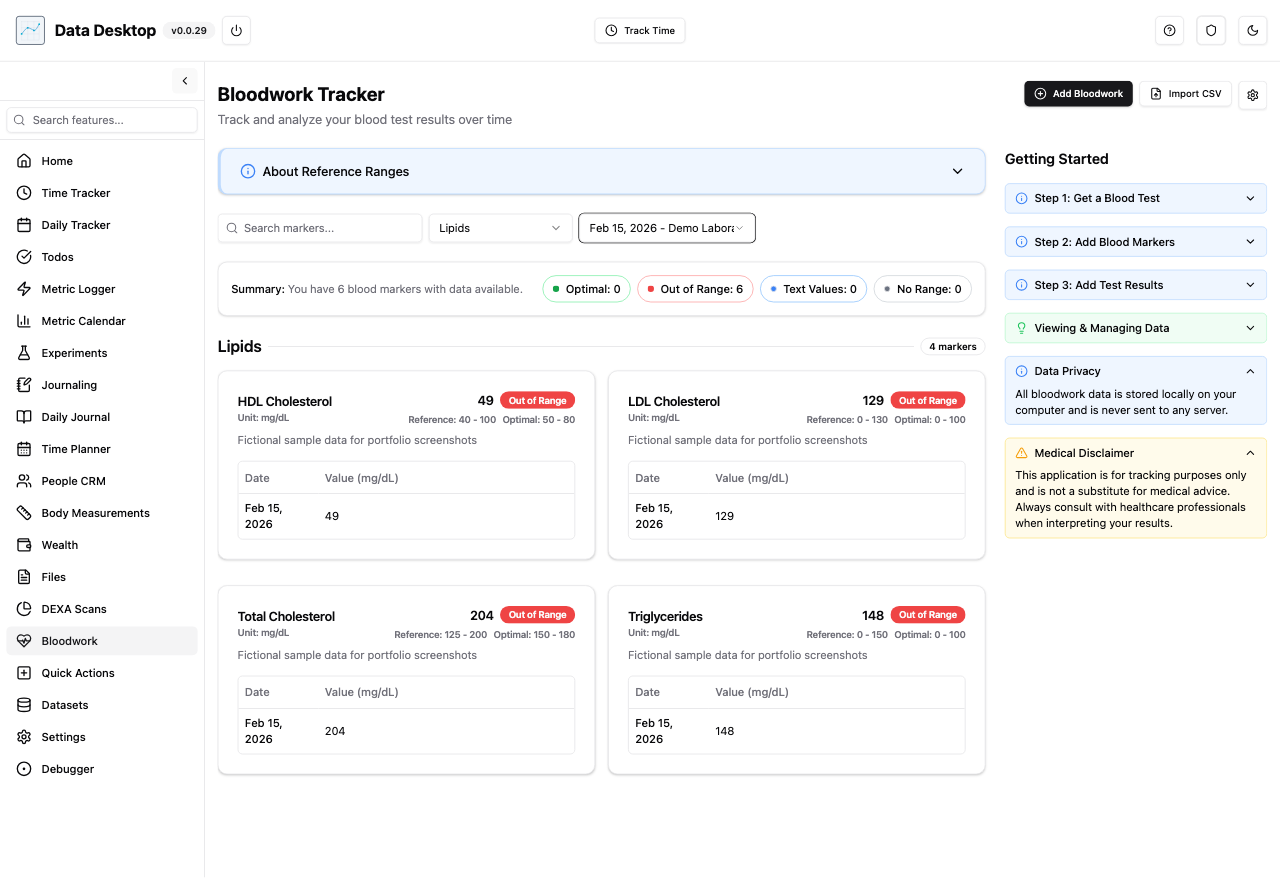
Bloodwork
Allows user to save their own blood work data aggregated from multiple providers into one view
What I learned
By working on this project, I became more proficient at "vibe coding", utilizing this also at work when we were allowed to. In addition, it showed me that I was able to now be able to use LLMs to create projects and products that I could envision, and steering the model to create the visualizations and features that I wanted to was as fun as coding it out myself. Overall, this project laid the foundation of what would become the "Productivity" project.